Jotter has a range of customization options to make the theme feel like your own. As well as typography and color scheme choices, you can turn features such as search, author and tags on or off, and change how content is displayed on both the homepage and individual posts.
Typography
Jotter's default font is Ovo, an easy-to-read serif font. If it's not your style, no problem. You can easily switch the heading and body fonts to something that's more you. You can also adjust the global font size to your liking using the text size setting. Try it yourself using the demo settings in the bottom right of the screen.
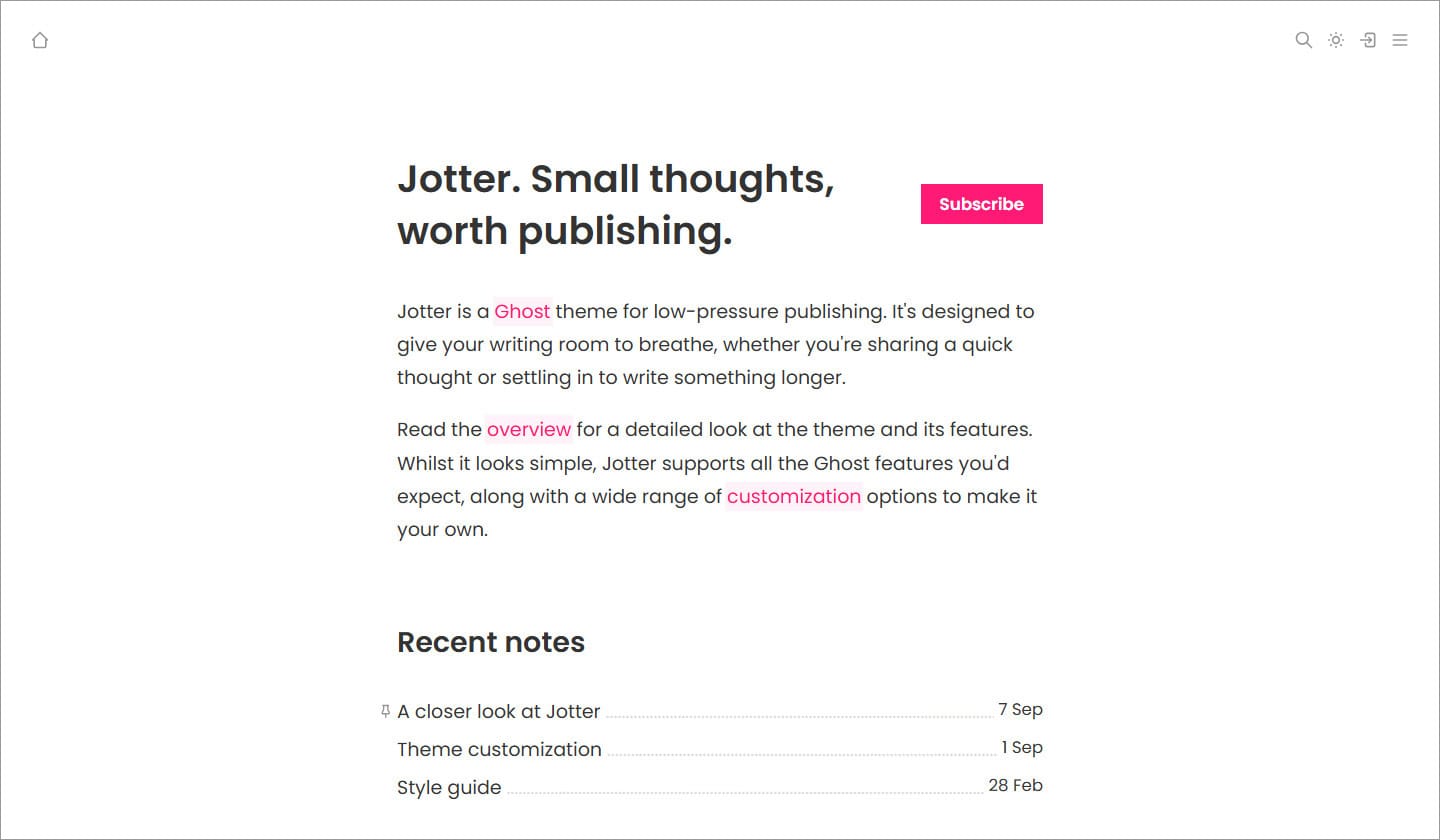
Color schemes
Give your blog some personality with a color scheme. The six available palettes have been chosen to be subtle yet impactful. Have a play around with them using the demo settings.
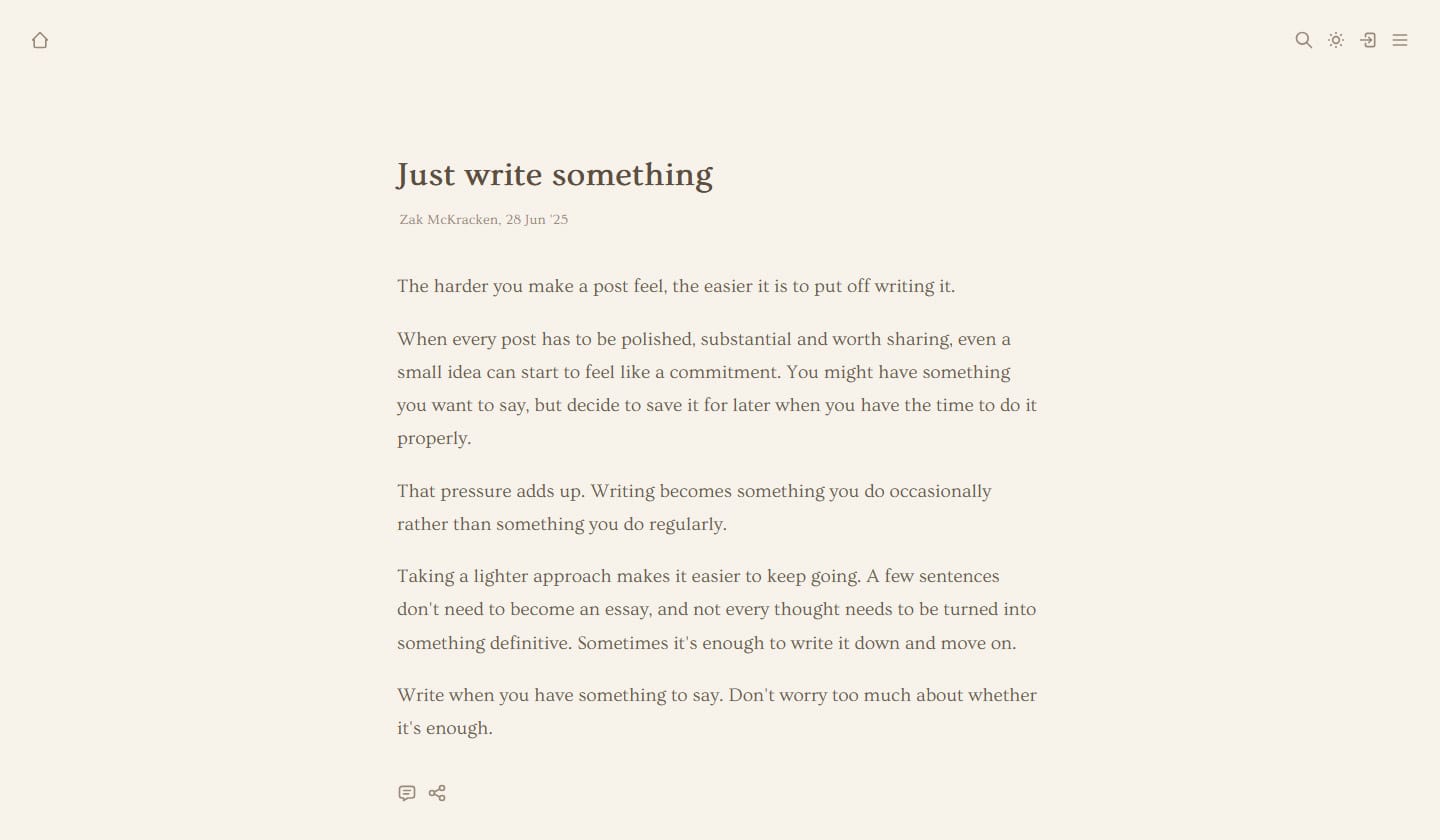
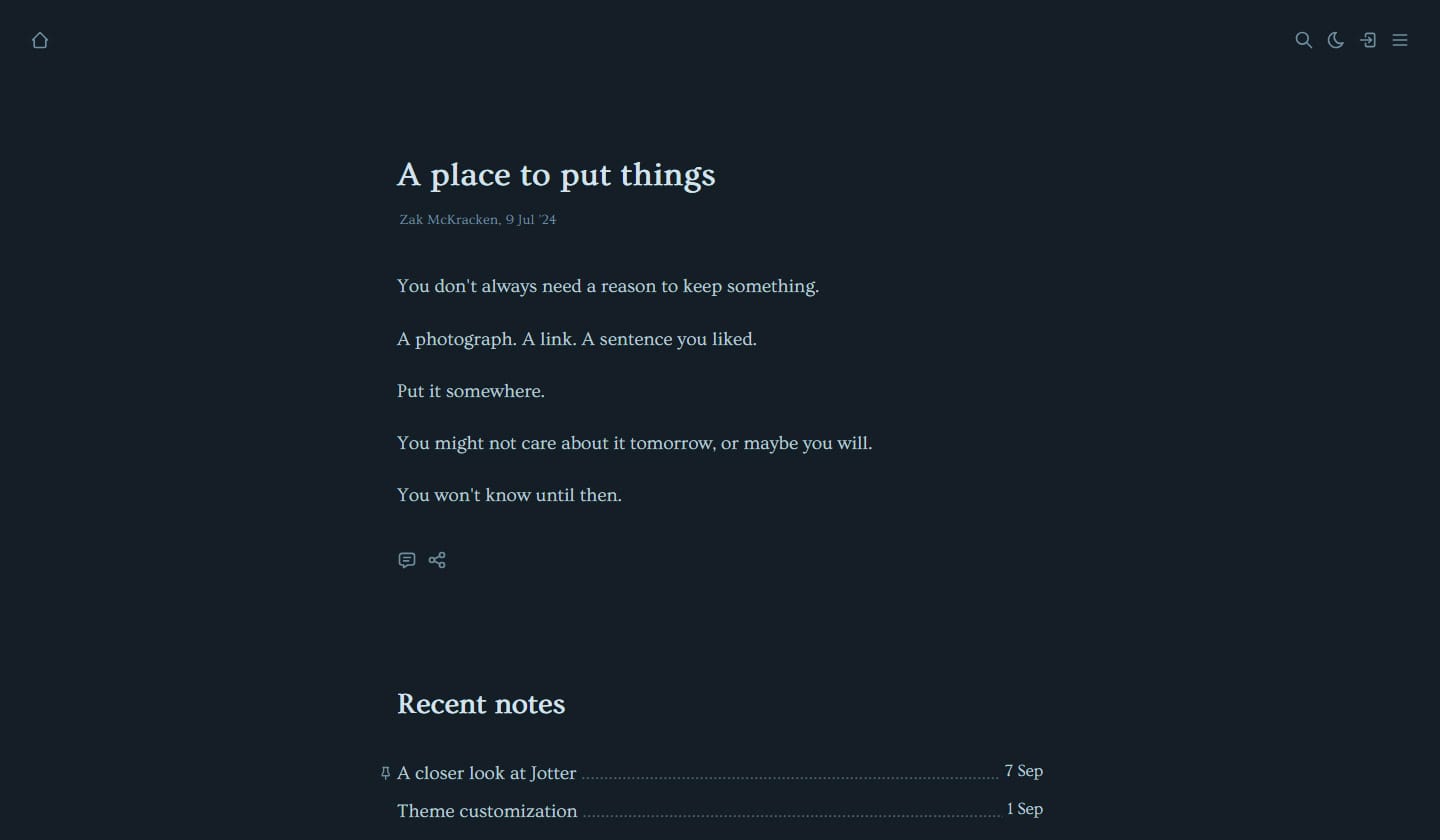
Background patterns
Add a discreet background pattern to the page body to give your pages a little texture. Options range from the geometric (dots) to the natural and paper-like (dimple).
Feature toggles
Minimalism is a balancing act between clarity and usability. Jotter lets you choose which features you want enabled on your site, helping you keep things as clean as possible while retaining the functionality you need.
All the icons in the site header can be toggled on or off. You can also choose whether or not to display authors, tags and recommendations.
Homepage layout
Jotter allows you to customize the layout of the homepage. Read more about the available homepage layouts here.