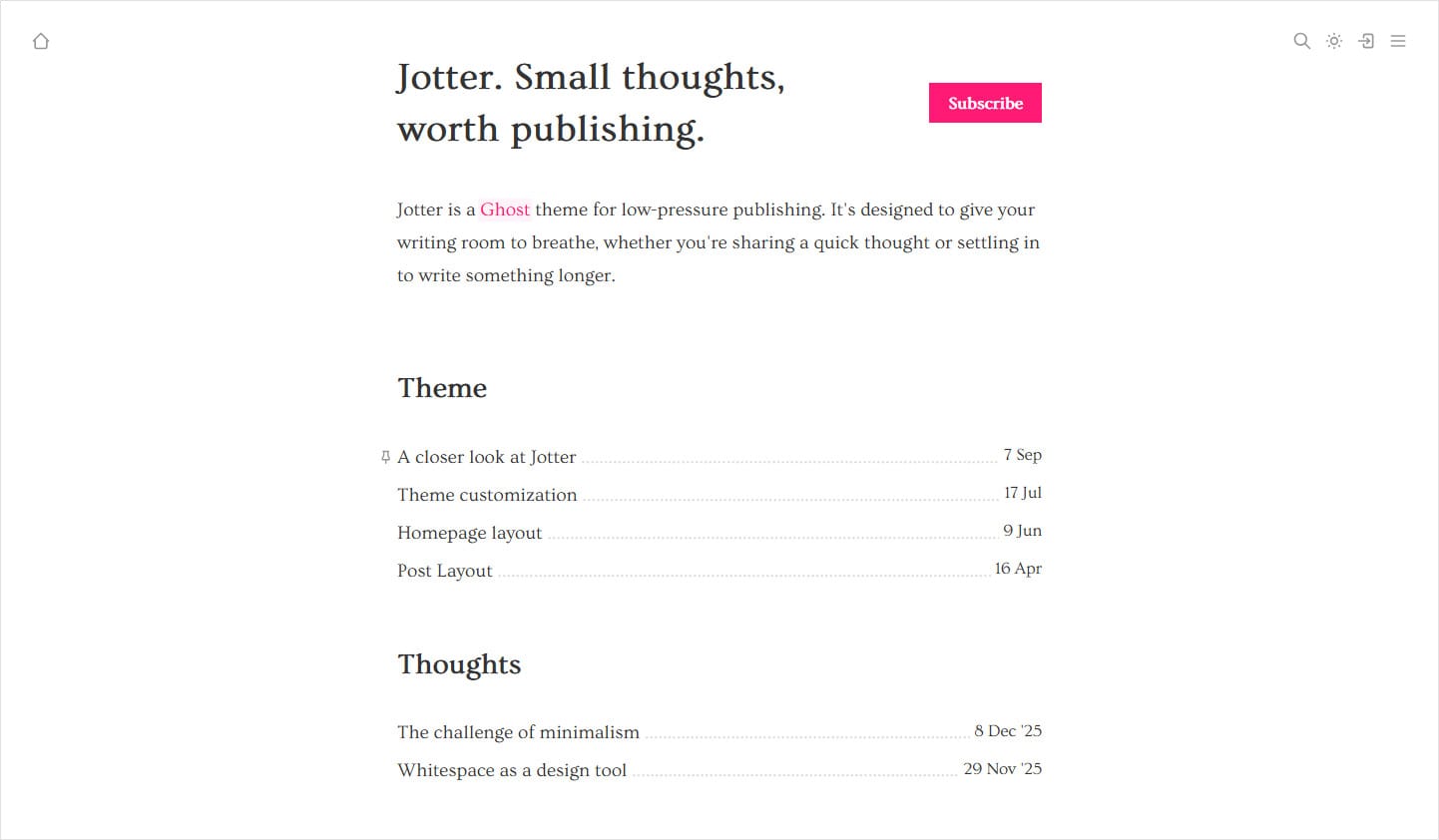
You can customize Jotter's homepage layout in a variety of ways.
Homepage content
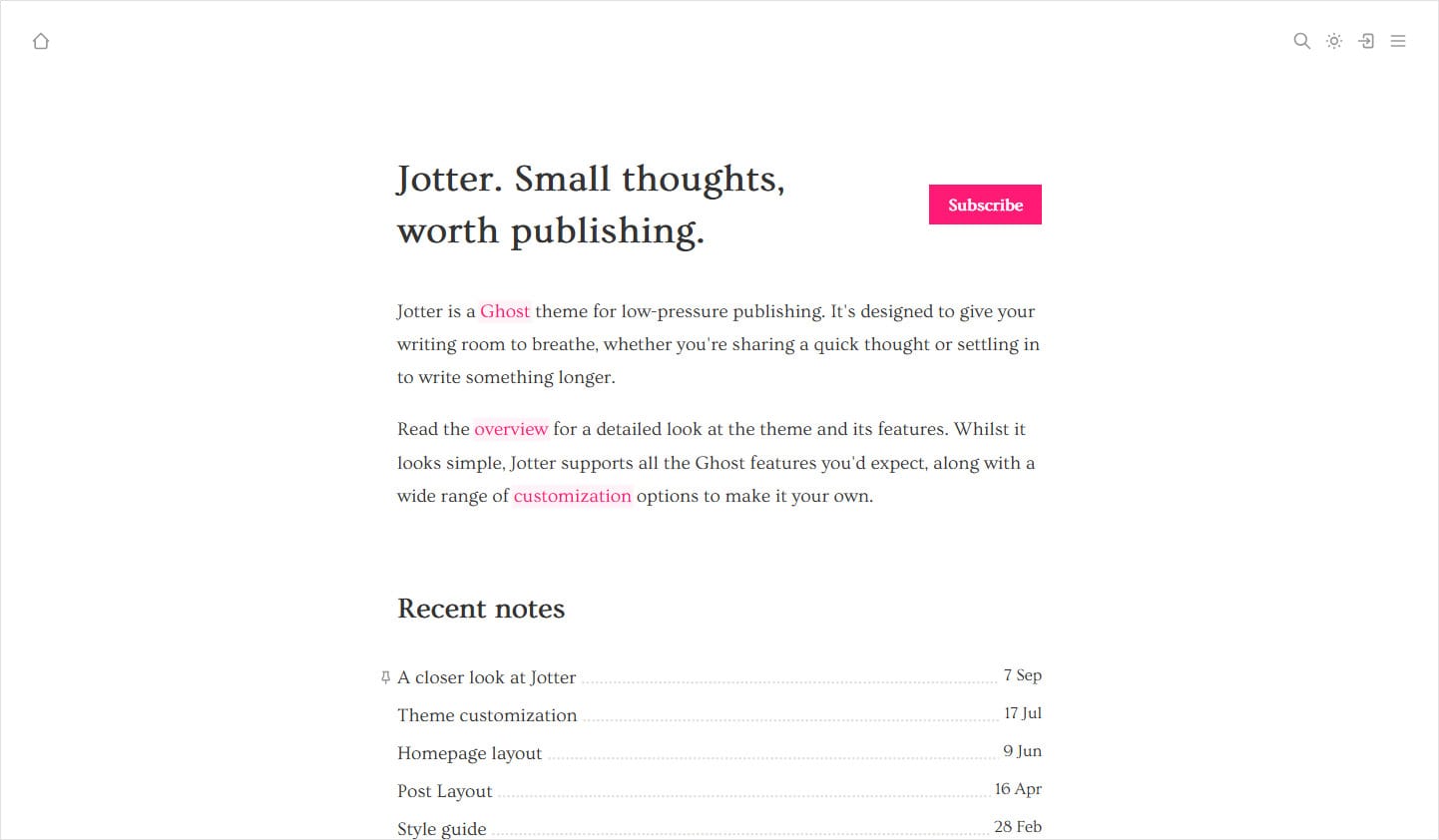
Using the theme settings, you can set your homepage to Header and content or Latest post.
The Header and content setting displays the site header, along with two optional pieces of content: one before the post feed and one after it. The content you add here works just like a regular Ghost post, supporting features such as image cards, videos and CTAs.
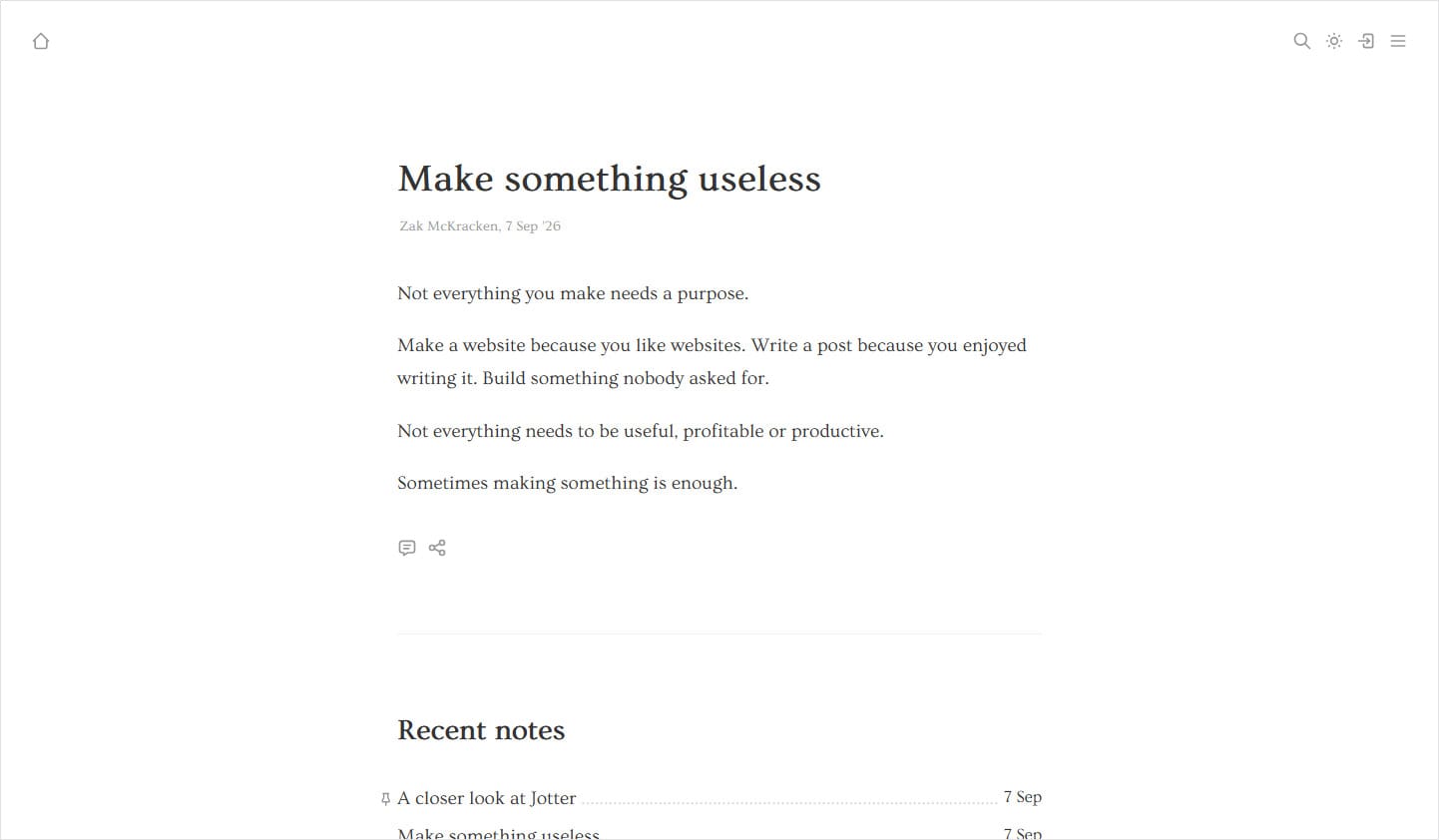
The Latest post option simply displays your most recent post, followed by the post feed. It's ideal if you're looking to create an ultra-minimalist blog and want to put your content front and center from the moment visitors arrive.
Post feed
There are two options for the homepage post feed: Recent posts and tag groups.
Recent posts is the default option and displays your latest posts in date order.
Tag groups lists all your populated tags and their posts, in date order.